Home
Home  Navigation


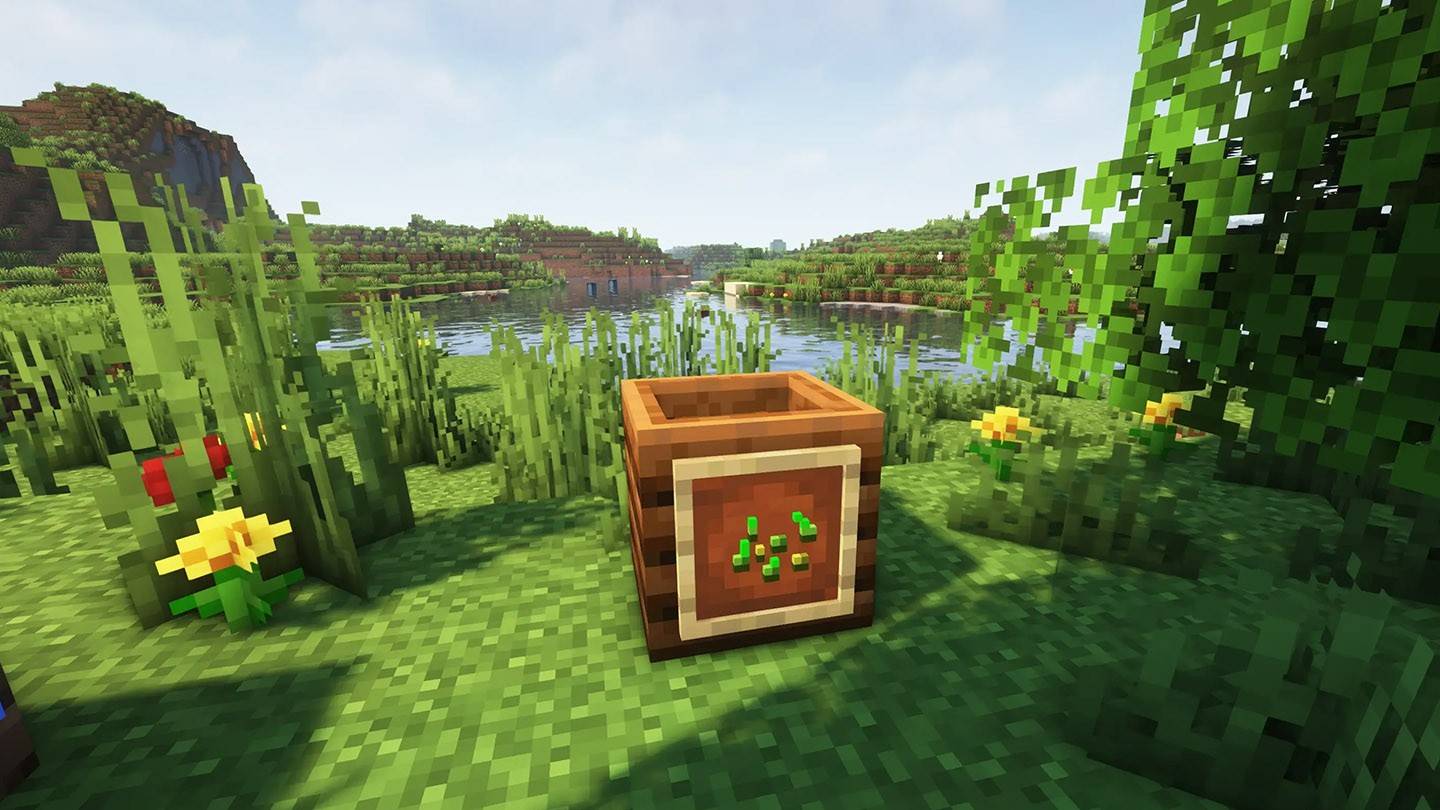

Minecraft offers players endless possibilities for shaping their customized worlds through building, survival, and exploration. Among its many mechanics, the composter stands out as one of the simplest yet most versatile tools for enhancing gameplay.
This guide explains how to effectively utilize this block to maximize efficiency, helping organize your blocky world and boost base productivity.
Table of Contents
- What is a Composter and its Purpose?
- Crafting a Composter
- Acceptable Composter Inputs
- Operating the Composter
- Creating Automated Composting Systems
What is a Composter and its Purpose?
This functional block allows recycling various plant materials. Its primary function converts organic matter into bone meal - a fertilizer that accelerates plant growth. Rather than obtaining bone meal from skeletons, you can conveniently process organic waste through this block. Additionally, placing it near an unemployed villager converts them into a Farmer villager, enabling trades for useful items like bread, potatoes, and golden carrots.

Crafting a Composter
First, create wooden slabs by arranging 3 wood blocks:
Crafting the composter requires 7 wooden slabs arranged on the crafting table:

The following section explains optimal usage techniques.
Acceptable Composter Inputs
The mechanics are straightforward: more inputs mean higher compost levels. When reaching maximum capacity, the composter yields bone meal. However, each item has specific success rates for increasing compost level:
| Success Rate | Accepted Items |
|---|---|
| 30% | All leaf variants, seagrass, seeds (wheat/beetroot/melon/pumpkin), saplings, kelp |
| 50% | Melon slices, tall grass, cacti, nether sprouts |
| 65% | Apples, pumpkins, flowers, potatoes |
| 85% | Bread, baked potatoes, cookies, hay bales |
| 100% | Pumpkin pie, cake |

Operating the Composter
Simply right-click while holding compostable items. Each insertion attempt may raise compost level. At maximum capacity, the composter turns white - adding one more item produces bone meal. Seven filling stages are visually represented by green layers.
Typically, 7-14 items yield 1 bone meal.

Creating Automated Composting Systems
For efficient operation without manual input, build an automatic system requiring 2 chests, 2 hoppers, and 1 composter:

Place compostables in the upper chest, which feeds items into the composter via the top hopper. Produced bone meal transfers to the lower chest through the bottom hopper - continuously operating while materials last!
The composter serves not just for recycling surplus materials but proves essential for farming efficiency and villager trading operations. It's particularly valuable for agricultural projects and automated farms.
Featured image: badlion.net
 Latest Articles










 Latest Games