Home
Home  Navigation


Troubleshooting Call of Duty: Warzone Connectivity Issues: A Comprehensive Guide
Call of Duty: Warzone, with its vast player base and diverse content, can unfortunately be plagued by server connection problems. This guide provides methods to check server status and troubleshoot connectivity issues.
Quick Links
Checking Warzone Server Status
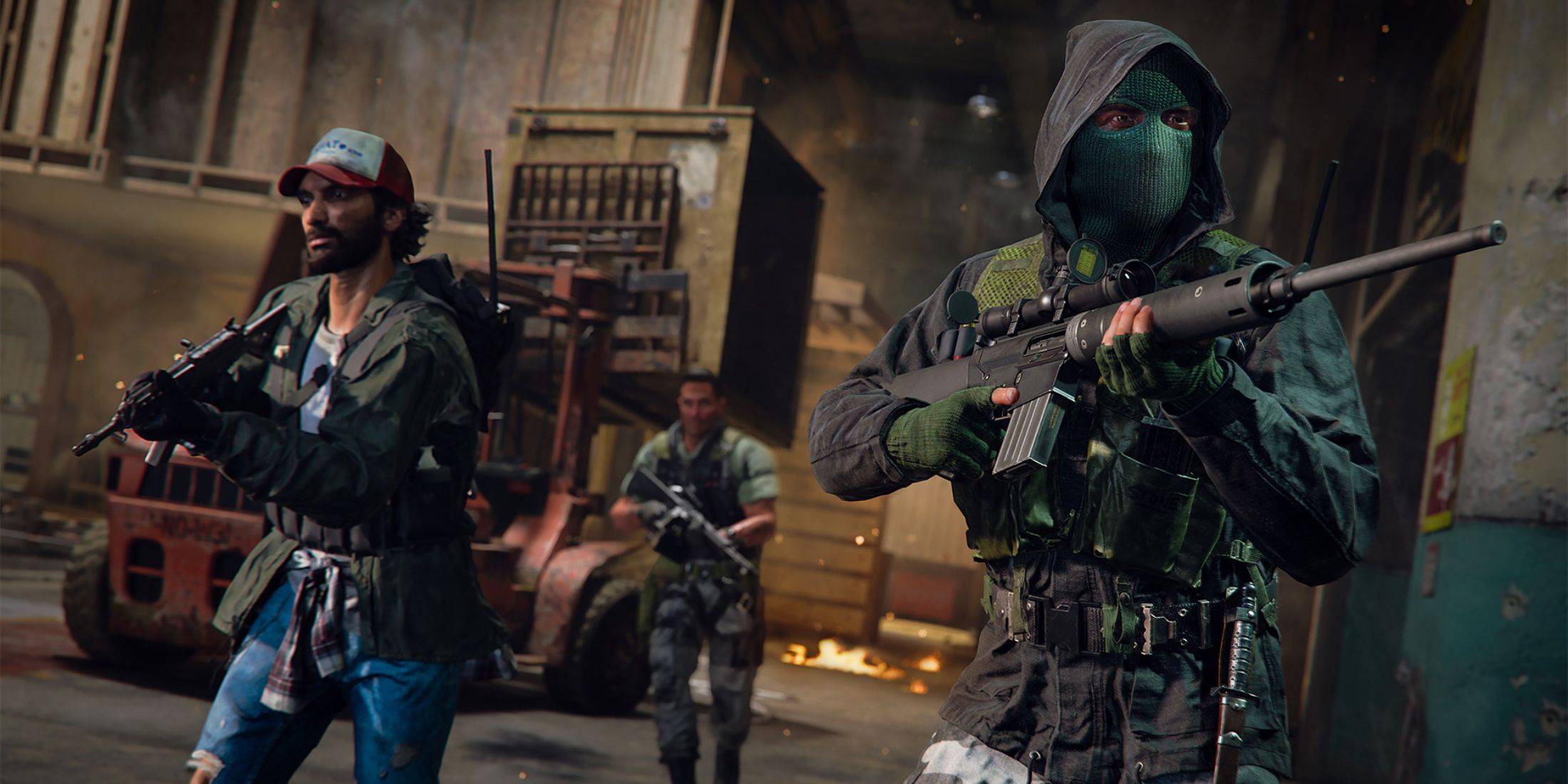 Several resources help determine if Warzone server issues are the source of your problems:
-
Activision Support: Activision's Support Online website offers real-time updates on server status for all Call of Duty games, including Warzone. Look for details on maintenance or specific problems.
-
COD Updates: The official Call of Duty Updates Twitter/X account provides timely updates on issues, errors, maintenance, and more. This is a primary source for information during outages.
Current Warzone Server Status
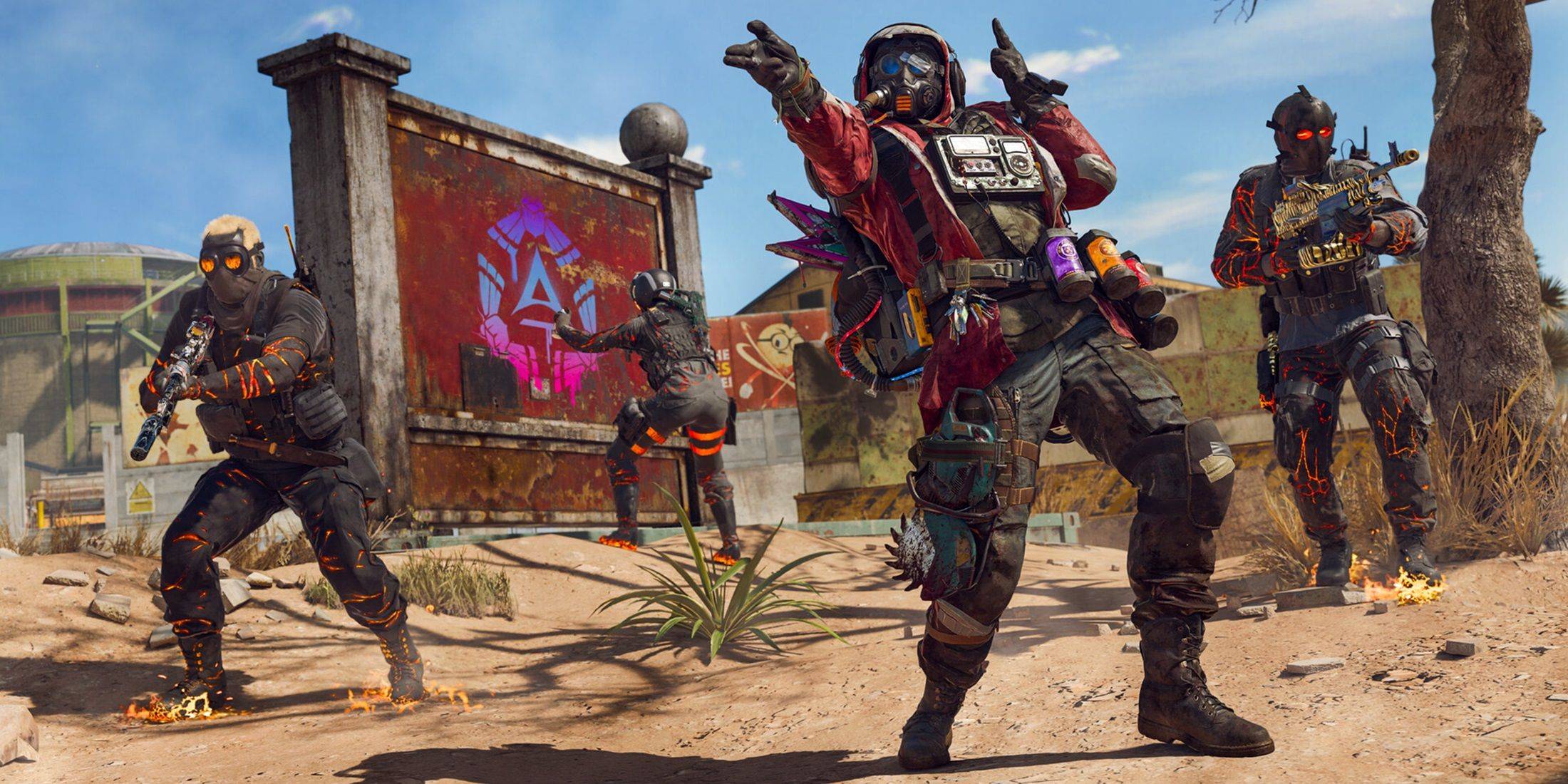 As of January 13, 2025, Call of Duty: Warzone servers were operational. A minor patch on that day initially caused matchmaking problems, preventing some players from accessing game modes or significantly increasing wait times. However, Activision swiftly addressed the issue, restoring normal functionality within hours.
Resolving Connectivity Problems
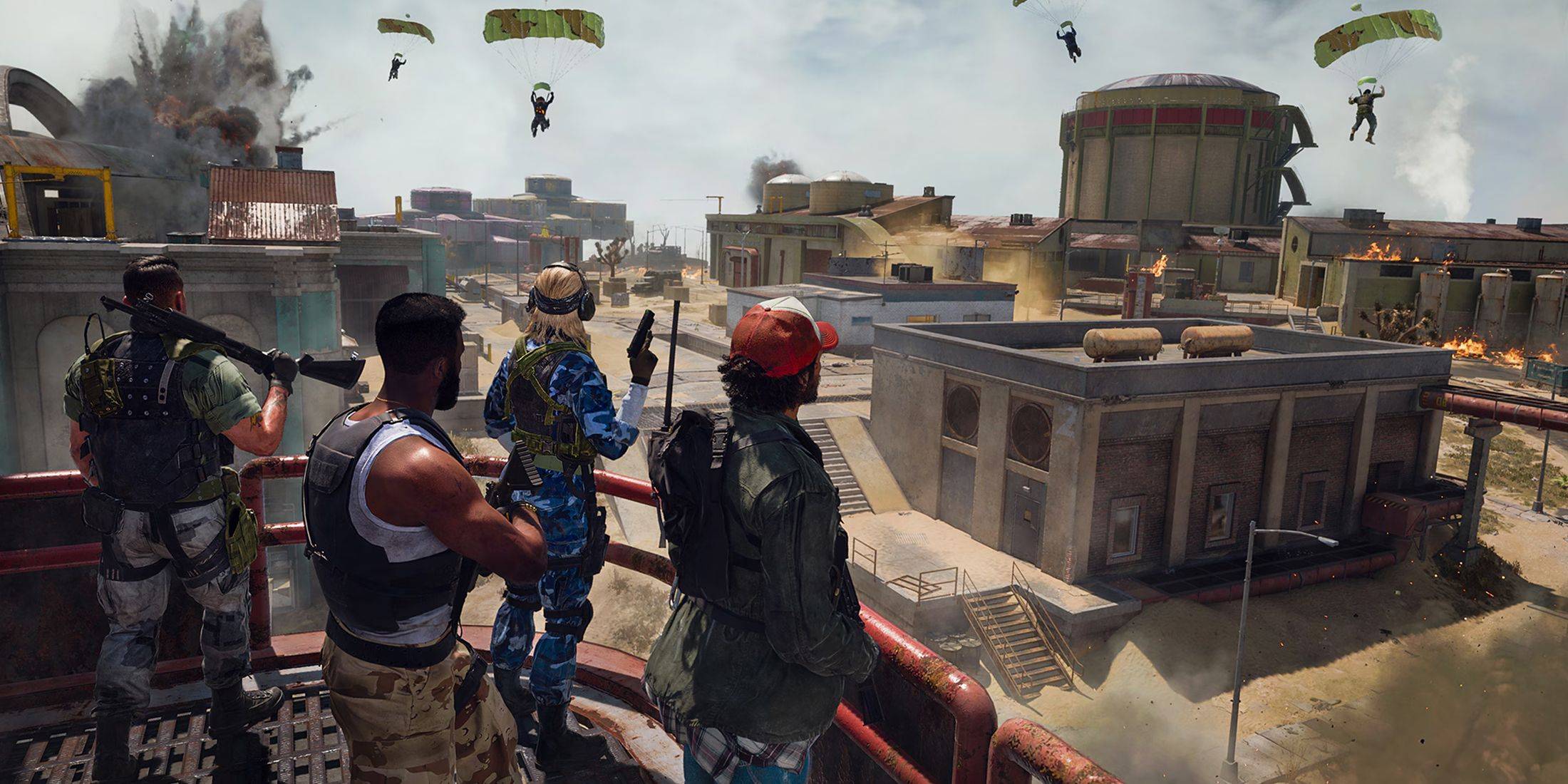 If you experience connectivity problems in Warzone, try these troubleshooting steps:
-
Update the Game: Ensure your game is up-to-date. Check for updates within the Call of Duty app on your platform.
-
Restart Warzone: Close and relaunch the game. This often resolves minor post-update or playlist change glitches.
-
Check Your Router: Verify your router or modem is functioning correctly. A hard reset can fix minor issues like loose cables.
-
Test Your Network: Test your internet connection (Wi-Fi or Ethernet) to identify potential interruptions.
-
Switch Connection Methods: If using Wi-Fi, try Ethernet; if using Ethernet, try Wi-Fi. One might offer better stability.
By following these steps, you can effectively diagnose and resolve many common Call of Duty: Warzone connectivity issues.
 Latest Articles









 Latest Games