Home
Home  Navigation


Marvel Rivals: Sharpen Your Aim – Disabling Mouse Acceleration and Aim Smoothing
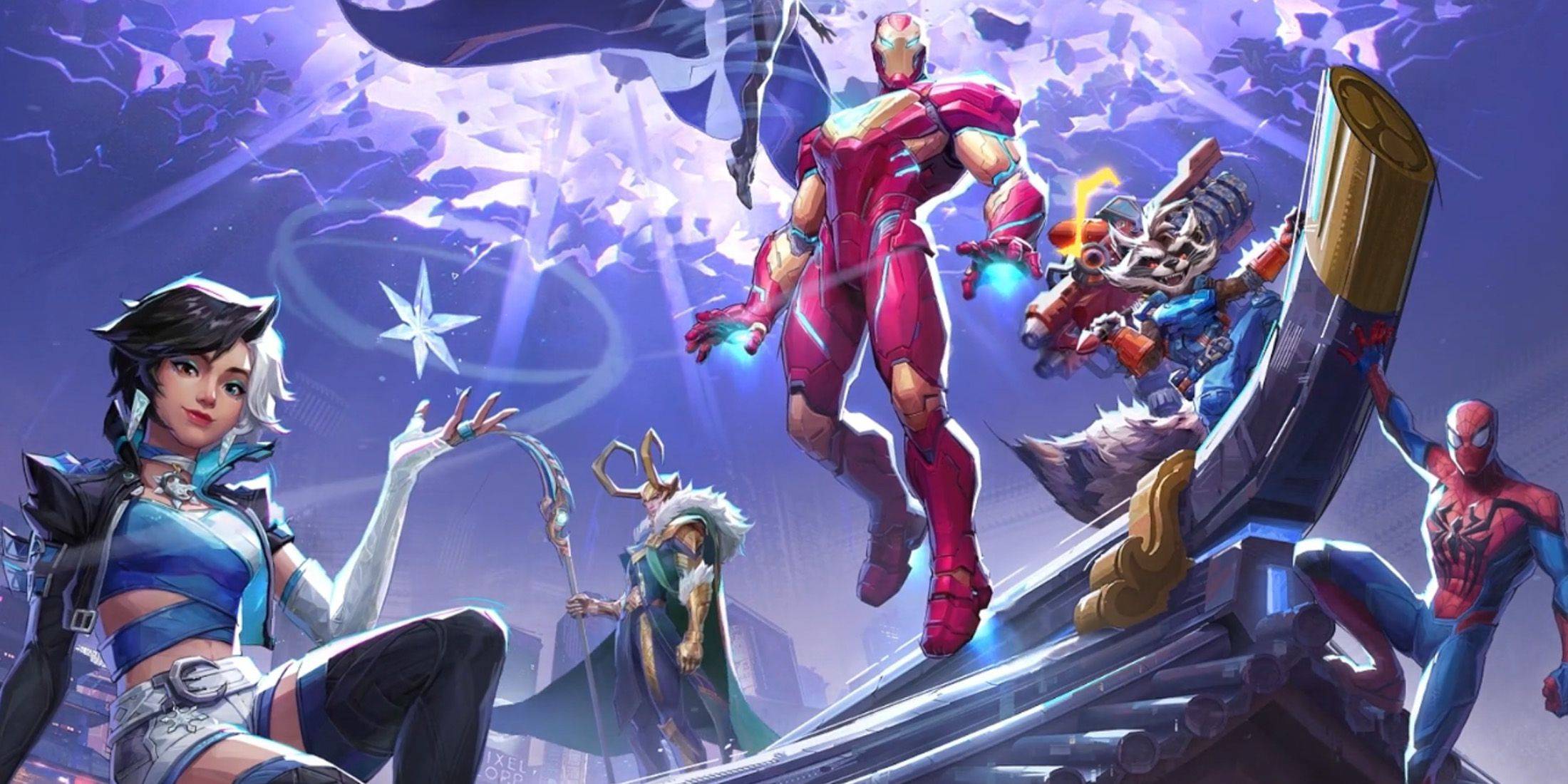
Season 0 of Marvel Rivals has been a hit, with players mastering maps, heroes, and abilities. However, some players climbing the Competitive Play ladder have reported aim issues. If your aim feels off, you're not alone. Many players have found a simple solution: disabling mouse acceleration and aim smoothing.
Why is my aim inaccurate? How do I fix it?
Marvel Rivals, unlike many games, doesn't offer an in-game setting to disable mouse acceleration/aim smoothing. This feature, while beneficial for controller users, often hinders mouse and keyboard players, impacting precision and quick aiming. Disabling it allows for more precise flick shots and consistent aim.
The Fix: Manually Editing the Game Settings File
This fix involves modifying a game file using a text editor like Notepad. This is not considered cheating; it simply adjusts a setting that many games already allow you to toggle. Game settings, like crosshair and sensitivity, are updated within this file.
Step-by-step guide to disabling aim smoothing/mouse acceleration:
-
Open the Run dialog: Use the Windows key + R keyboard shortcut.
-
Navigate to the save file location: Paste the following path into the Run dialog, replacing "YOURUSERNAMEHERE" with your Windows username (found by navigating to This PC > Windows > Users):
C:\Users\YOURUSERNAMEHERE\AppData\Local\MarvelSaved\Config\Windows -
Open the GameUserSettings file: Press Enter. Locate the
GameUserSettingsfile, right-click, and open it with Notepad. -
Add the code: At the bottom of the file, add the following lines of code:
[/script/engine.inputsettings] bEnableMouseSmoothing=False bViewAccelerationEnabled=False bDisableMouseAcceleration=False RawMouseInputEnabled=1 -
Save and close: Save the changes and close Notepad. Mouse smoothing and acceleration should now be disabled in your Marvel Rivals game. This ensures raw mouse input takes priority, improving aim precision.
 Latest Articles









 Latest Games