Home
Home  Navigation


The gaming world is filled with thrilling horror experiences, from *Resident Evil* to *Silent Hill*. However, *R.E.P.O.* stands out with its unique co-op gameplay. Yet, some players are encountering a frustrating issue where the game gets stuck on the loading screen. Here's how to resolve the *R.E.P.O.* stuck on loading screen bug and get back to the scares.
How to Tackle *R.E.P.O.* Being Stuck on the Loading Screen
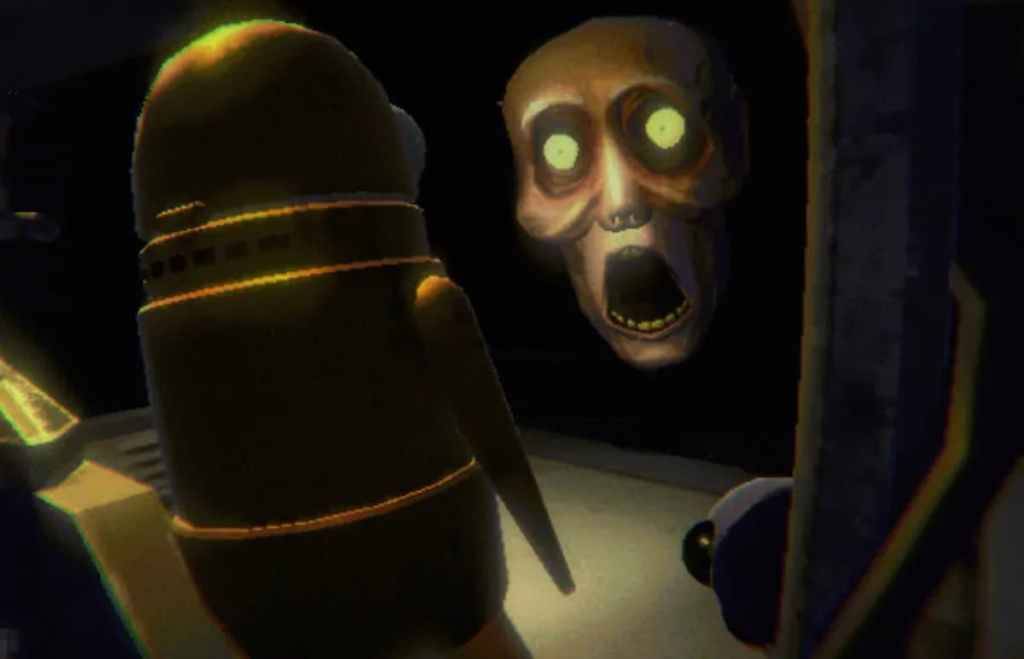
Players launching *R.E.P.O.* on PC are often met with the game freezing on the loading screen, causing significant frustration. Although the developer, semiwork, has not yet addressed this issue directly, there are several effective methods to fix the bug and dive back into the game.
Close and Reopen the Game
A classic solution for many gaming issues, closing and reopening *R.E.P.O.* can often resolve the problem. This simple action allows the game to reset and potentially fix any underlying issues on its own. It's a quick fix that works more often than not, making it the first step to try.
Reboot the PC
If restarting the game doesn't work, consider rebooting your PC. This gives your system a fresh start, which can help clear out any temporary glitches. Even the most powerful PCs can benefit from a restart, providing a clean slate for your gaming session. Plus, it gives you a brief moment to regroup before diving back into the horror.
Related: What Energy Crystals Do in R.E.P.O. and How to Get More
Run R.E.P.O. as Administrator
Running *R.E.P.O.* with administrator privileges can enhance its performance by granting full access to system resources. While not a guaranteed fix, it's a worthwhile step to try. Here's how to do it:
- Right-click on the R.E.P.O. shortcut.
- Click on Properties and navigate to the Compatibility tab.
- Select "Run this program as an administrator."
Verify Game Files
Another effective method to resolve the loading screen issue is to verify the game files through Steam. This ensures all files are intact and up-to-date. Here's how to verify game files on Steam:
- Restart your PC and open Steam.
- Right-click R.E.P.O. in the Steam Library or click the gear icon on its Library page.
- Click Properties from the drop-down menu.
- Navigate to the Installed Files tab and click "Verify integrity of game files."
It's worth noting that not all files may verify successfully, which is a normal part of the process. Steam will inform you if any files don't verify, but you can safely ignore these messages as they won't hinder the fix.
By following these steps, you should be able to overcome the *R.E.P.O.* stuck on loading screen bug and continue your thrilling co-op horror adventure. For more tips, check out how to escape all the monsters in this gripping game.
*R.E.P.O.* is available now on PC.
 Latest Articles










 Latest Games