Home
Home  Navigation


Heads Up, Gamers! The developer has postponed the launch—stay tuned on BlueStacks for updates and guides!
Delta Force isn't your average tactical shooter; it demands precision, strategy, and teamwork. Whether you're dominating multiplayer battles or navigating tense extraction missions, success hinges on adaptable planning. Mastering operators, customizing gear, and navigating challenging maps are key to victory—every decision counts.
This guide provides actionable tips to elevate your Delta Force skills and outmaneuver opponents. From operator mastery to optimized loadouts and BlueStacks enhancements, these strategies will significantly improve your gameplay.
Play on PC with BlueStacks for Unmatched Control
Playing Delta Force on PC with BlueStacks offers unparalleled advantages. Fully customizable controls let you map actions to your keyboard and mouse, providing the precision and responsiveness mobile screens lack. Unlike the Steam version's fixed controls, BlueStacks adapts to your playstyle.
Beyond superior controls, BlueStacks enhances visuals and eliminates lag. The larger screen improves enemy spotting, and features like macro recording streamline complex actions. For serious Delta Force dominance, BlueStacks is essential. Check out our PC setup guide for Delta Force to get started.
Start Simple, Build Your Skills
As a beginner, resist the urge to jump into advanced operators and gear. Focus on simplicity. Operators like Stinger (excellent healing) and Luna (effective recon tools) are ideal for mastering fundamentals without feeling overwhelmed. Teamwork is crucial; assign roles (healing, scouting, offense) for improved coordination and enjoyment.
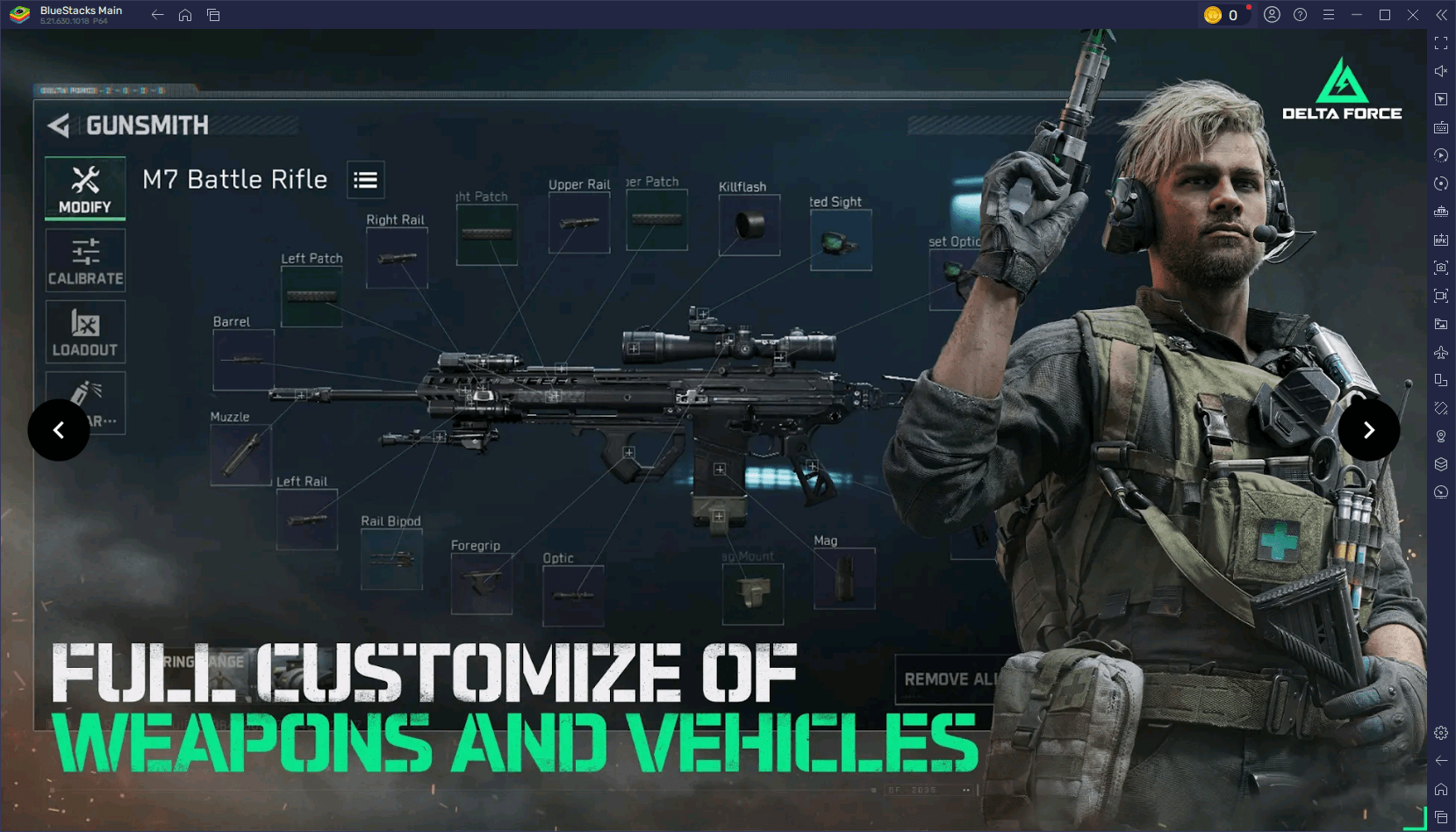
Optimize Settings for Peak Performance
Smooth gameplay is vital. On mobile, adjust graphics (lower shadows, disable motion blur) to boost FPS. On PC with BlueStacks, maximize high-resolution textures and advanced graphics settings for stunning visuals without performance loss.
Fine-tune controls for optimal responsiveness. Adjust sensitivity for precise aiming and test your setup in practice matches for comfortable gameplay.
Experiment and Adapt
Delta Force rewards adaptability. If a strategy fails, try something new: a different operator, loadout, or map route. Observing opponent tactics helps refine your own.
Experimentation keeps the game engaging and expands your skills. Master vehicles, try sniper builds, or develop innovative team strategies—versatility equals effectiveness.
Delta Force challenges tactical thinking and quick adaptation, making every match thrilling. Use these tips to conquer any mode, map, or opponent. For the ultimate experience, play Delta Force on PC with BlueStacks for enhanced controls and performance. Strategize, dominate, and win bigger with BlueStacks!
 Latest Articles









 Latest Games