Home
Home  Navigation


Troubleshooting the "Can't Connect to Host" Error in Ready or Not
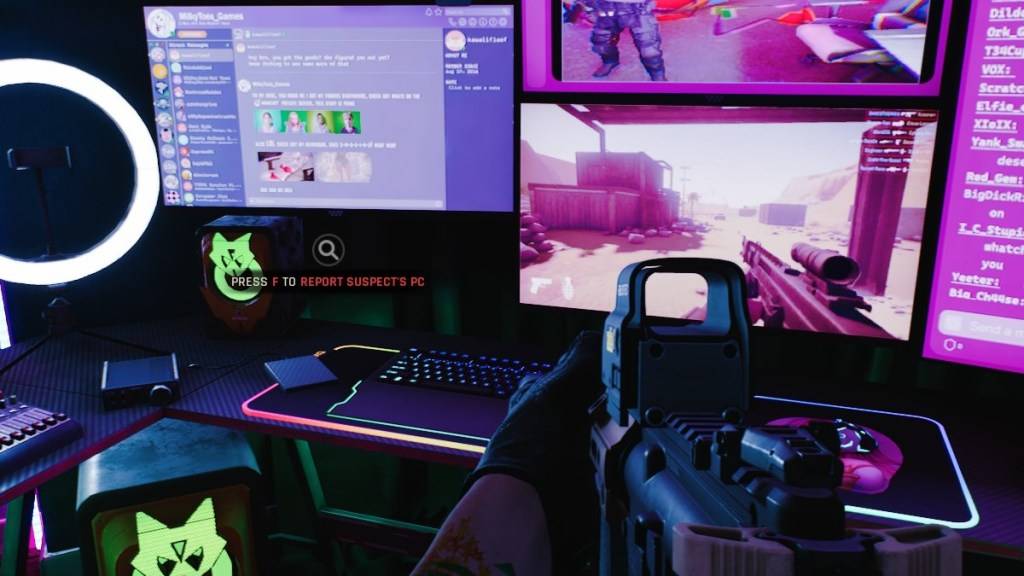
One of the most frustrating experiences in Ready or Not is the inability to connect to games. While developers are working on a permanent solution, the timeframe remains uncertain. This guide provides solutions to resolve the "Can't Connect to Host" error.
Causes of the "Can't Connect to Host" Error
This error typically indicates a problem connecting to the game servers. Several factors can contribute, including poor internet connection, corrupted game files, version mismatches, and interfering background applications. Pinpointing the exact cause can be challenging, but the following solutions often prove effective.
Solutions for the "Can't Connect to Host" Error
Here's a breakdown of troubleshooting steps:
-
Restart the Game and Platform: A simple restart of Ready or Not and your game launcher (e.g., Steam) is often sufficient to resolve temporary connection issues.
-
Verify Game Files: Corrupted or missing game files are a common culprit. Use your game launcher's built-in file verification tool (e.g., Steam's "Verify Integrity of Game Files" option) to check and repair any damaged files.
-
Add Ready or Not to Firewall Exceptions: While uncommon, Windows Firewall can sometimes interfere. Add Ready or Not as an allowed application in your Windows Firewall settings.
-
Disable VPNs and Unnecessary Background Apps: VPNs, while sometimes beneficial for gaming, can occasionally cause connection problems. Temporarily disable your VPN and close any unnecessary background applications that might be competing for resources.
-
Adjust DirectX (DX) Mode: In rare cases, launch options might contribute to the error. Experiment with changing your DirectX mode in the game's settings.
-
Reinstall the Game: As a last resort, a clean reinstall might be necessary. Uninstall the game through your launcher, manually delete any remaining game folders, and clear any related files from your Local AppData folder.
The "Can't Connect to Host" error can be frustrating, but these steps should help you get back into the action.
Ready or Not is available now on PC.
 Latest Articles









 Latest Games